


© IE Online Media Services Pvt Ltd
Tags:


Telegram, one of the most popular instant messaging apps, is getting several new features like the ability to transcribe messages for free, add video messages to stories and even repost stories from friends and other channels. Available on both Android and iOS, here’s a quick look at some of the newest Telegram features.


To customise your profile on Android, go to Settings, head over to ‘Chat Settings’ and tap ‘Change Your Colour’. iOS users can find the option under the ‘Your Color’ option under the ‘Appearance’ section.
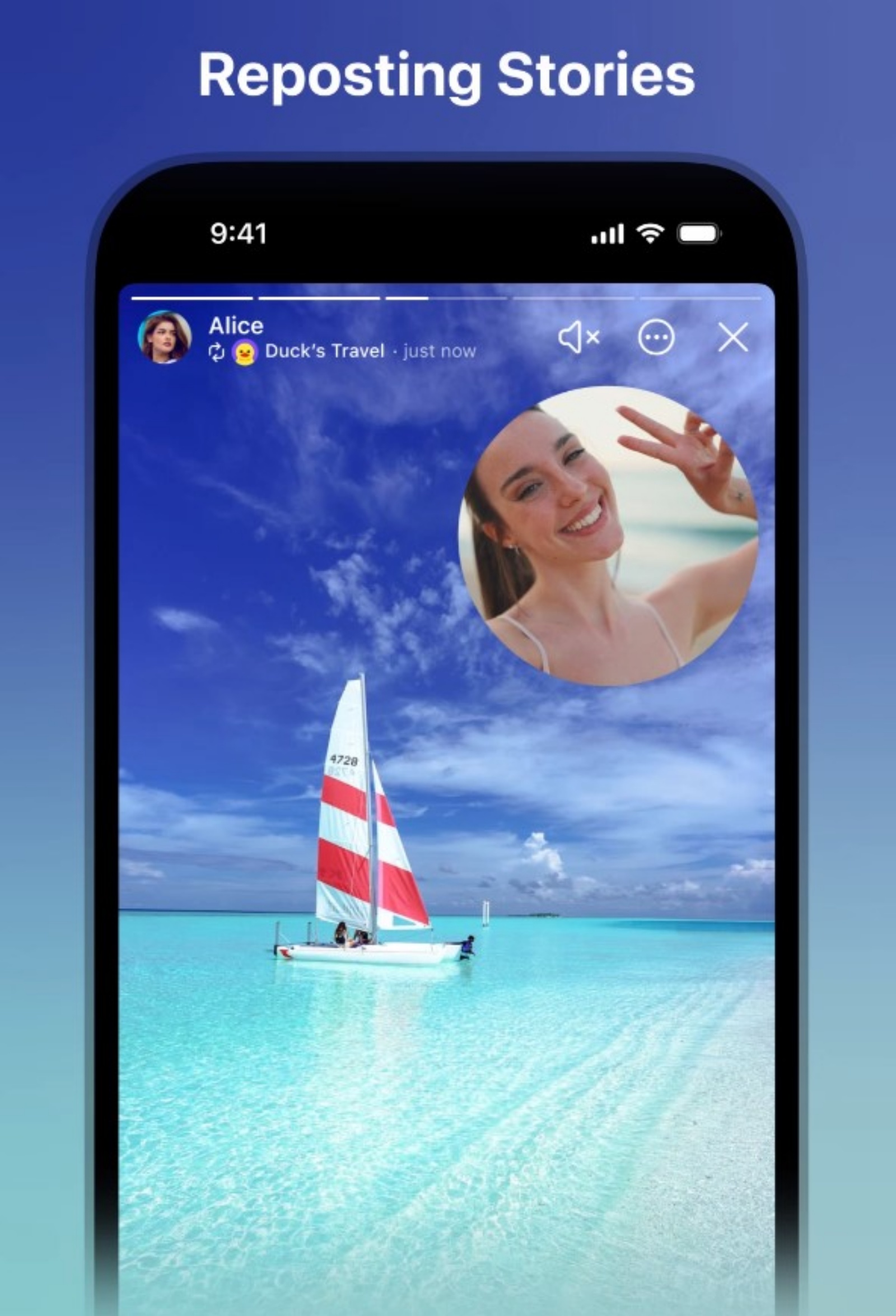
The latest Telegram update introduces the ability to repost stories from other people’s accounts and favourite channels. While reposting a story on their account, users can add content like audio, text and even a video comment. The reposted story can also have separate visibility settings, similar to how one would limit the visibility of their own stories.
To repost a story, just tap on the ‘Share arrow’ and select the ‘Repost Story’ option. However, only stories that are visible to everyone can be reposted.
Telegram Channels are the go-to place for millions to keep up with the latest news, talk to others, hold discussions and more. Now, when users join a particular channel, the app will show a list of similar channels that they might be interested in. However, only public channels appear in the list.
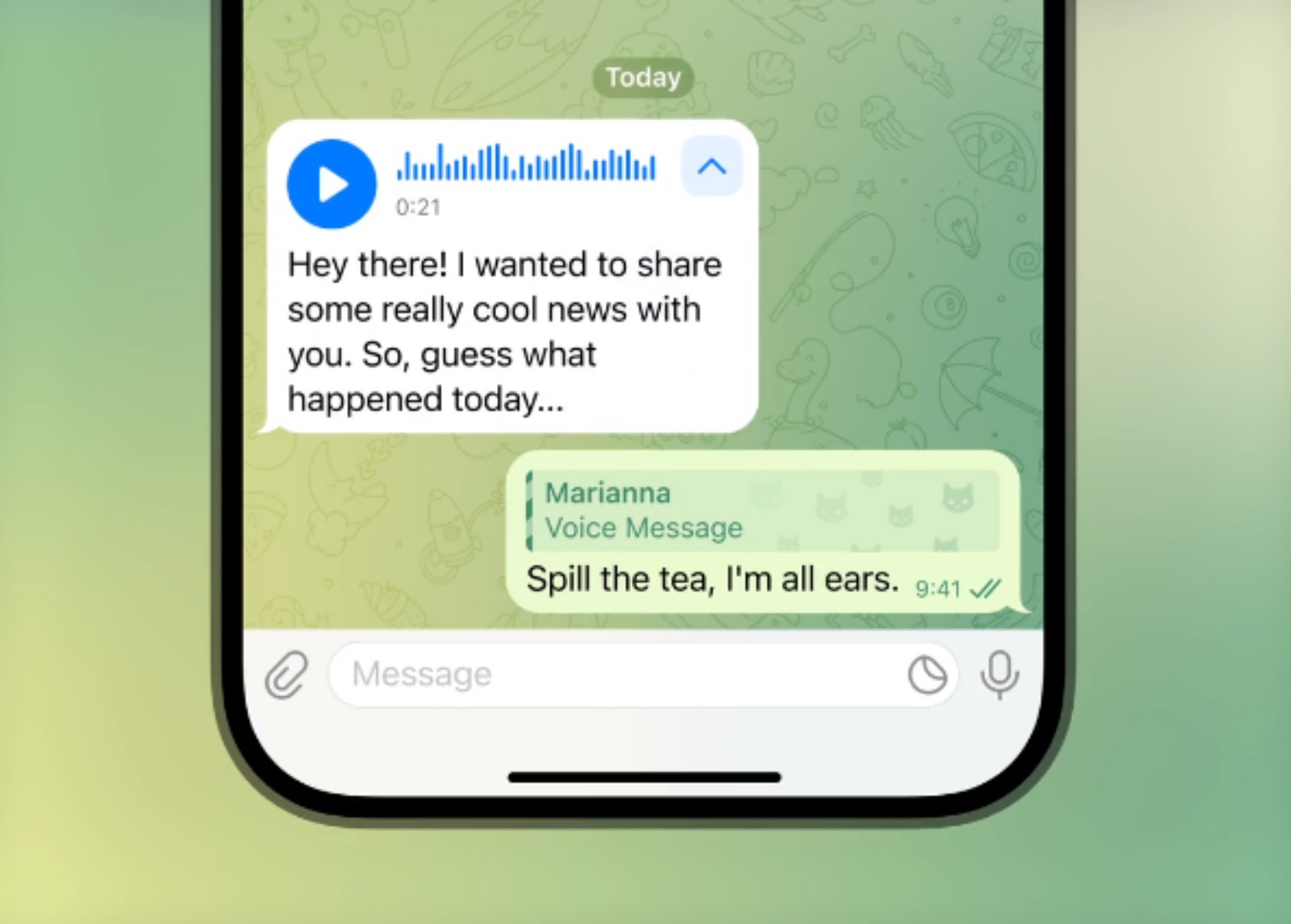
Previously limited to Premium members, Telegram is now expanding the voice-to-text transcribe feature to free users. However, users who do not have Premium membership can only transcribe 2 voice and video messages every week.
To try the new feature, tap on the ‘→A icon’ and Telegram will automatically detect the language and type out the text. Since the feature is still rolling out, it may take a while before it is available on your device.
Telegram is adding a new feature that lets users add a video message to a story. These messages can be easily resized and placed anywhere on the screen. The feature can also be used to add video reactions to stories that you want to repost.
To record a video message, simply hold the camera icon in the story editor and hold on to the video track that appears at the bottom of the screen to control the volume.


